
Getting to Know Fresh-Start, Trainer, Participant, and Standalone Machines
DaDesktop is an advanced training platform that delivers accessible cloud machines for training courses and admin tools to effortlessly manage the Desktop machines on each course in Germany.
To make this possible, DaDesktop employs several closely related but distinct Desktop machine types to support these courses.
Below, are descriptions of the different machine types used.
Fresh-Start Machine
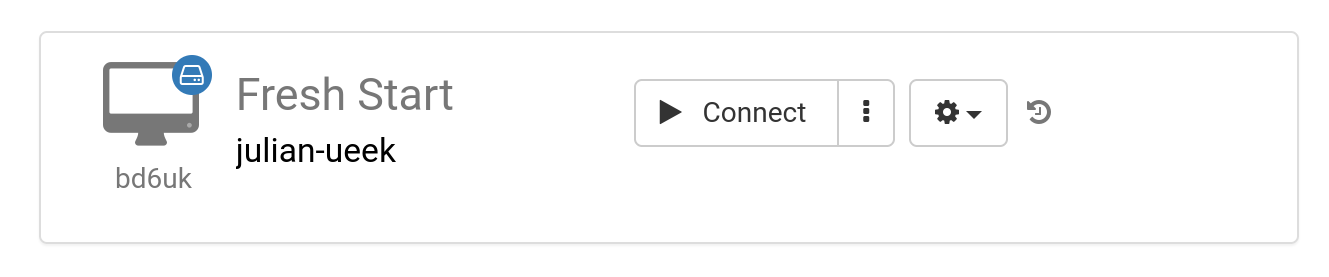
The 'Fresh-Start' machine is the one where the Trainer builds and refines the course material. After it's finalized, that Fresh-Start machine gets replicated across all Participants' Desktops, getting them ready for the upcoming course. Think of a Fresh-Start as a 'Golden Image'—a snapshot you can roll back to if any issues arise on either the Trainer's or Participants' machines.
Trainer Machine
The 'Trainer' machine is used by the Trainer to present the course content to the Participants during the session. Unlike the Fresh-Start, this machine's state evolves as the Trainer(s) typically install, configure, and run the relevant software applications and libraries as part of the teaching. If there is more than one Trainer leading a course, multiple Trainer machines will be provisioned.

Participant Machine
The 'Participant' machine is assigned to each attendee during the course. It allows them to perform installations, configurations, and hands-on exercises under the Trainer's guidance.

Fresh-Start, Trainer and Participant machines are normally automatically deleted a short while after the course is finished. So, there is one more type of machine that is also available—not linked to a course—that can be kept for as long as required, called a 'Standalone'.
Standalone Machine
A 'Standalone' machine doesn't have to be part of a course at all. It 'stands alone' as a separate machine that you can use before or after the course wraps up, or entirely on its own with no connection to any course. The Standalone is particularly flexible in this respect.

Typical reasons for creating Standalone desktops may be:
- Preparing training course materials that can be reused time and again outside of a course itself, or kept for use whenever necessary.
- When you need a flexible machine—perhaps with a different Operating System (Linux, Windows)—to safely test out ideas in a secure environment.