
Course Creation
-
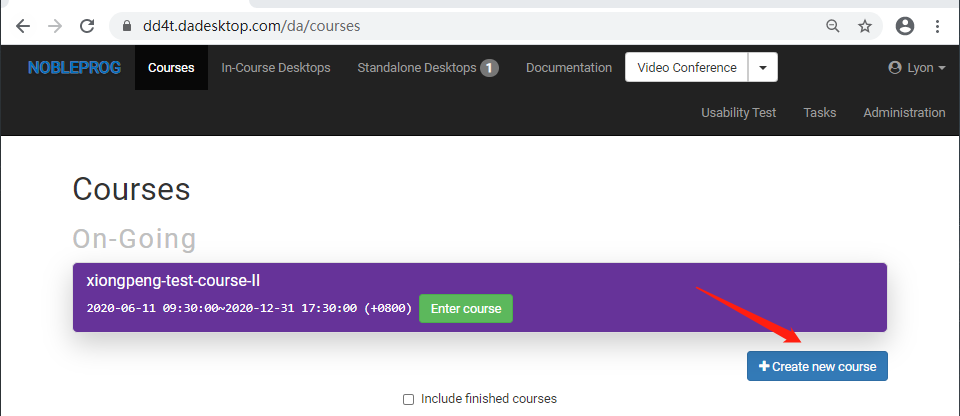
Click on the blue 'Create new course' button
-
Next, fill in details such as the schedule for DaDesktops usage, the number of delegates, the nearest data centers, etc.
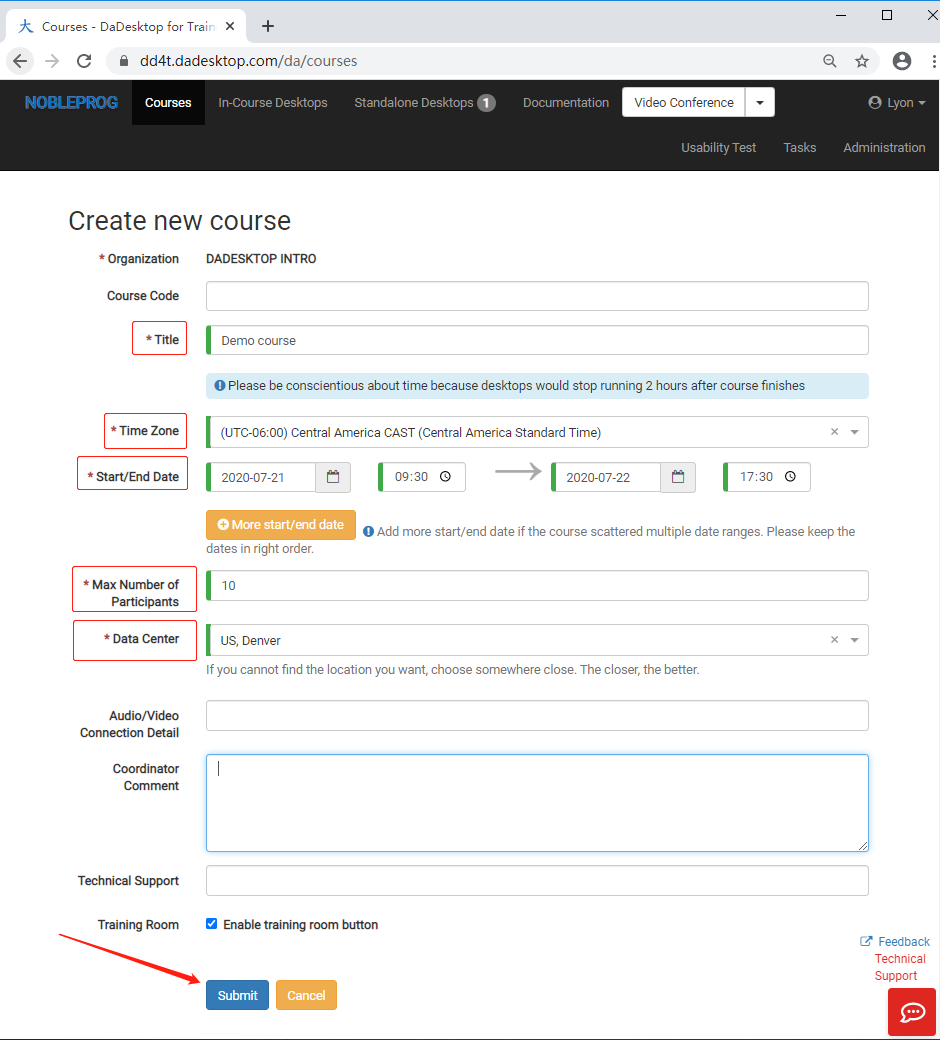
- Hit submit to finalize. If you need to adjust any details afterwards, simply edit the course.