
Preparing Your Standalone Environment
-
Click "Connect"
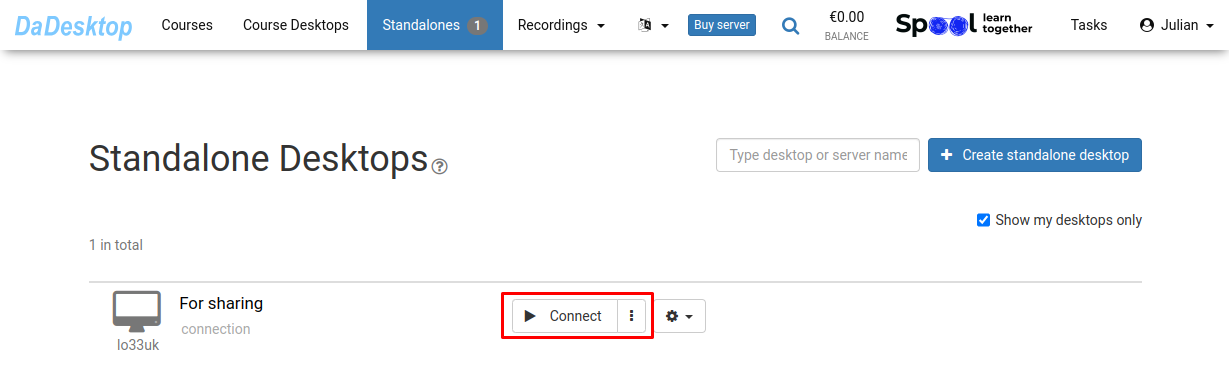
-
Configure your Standalone (install the necessary software, load course content and supporting tools)
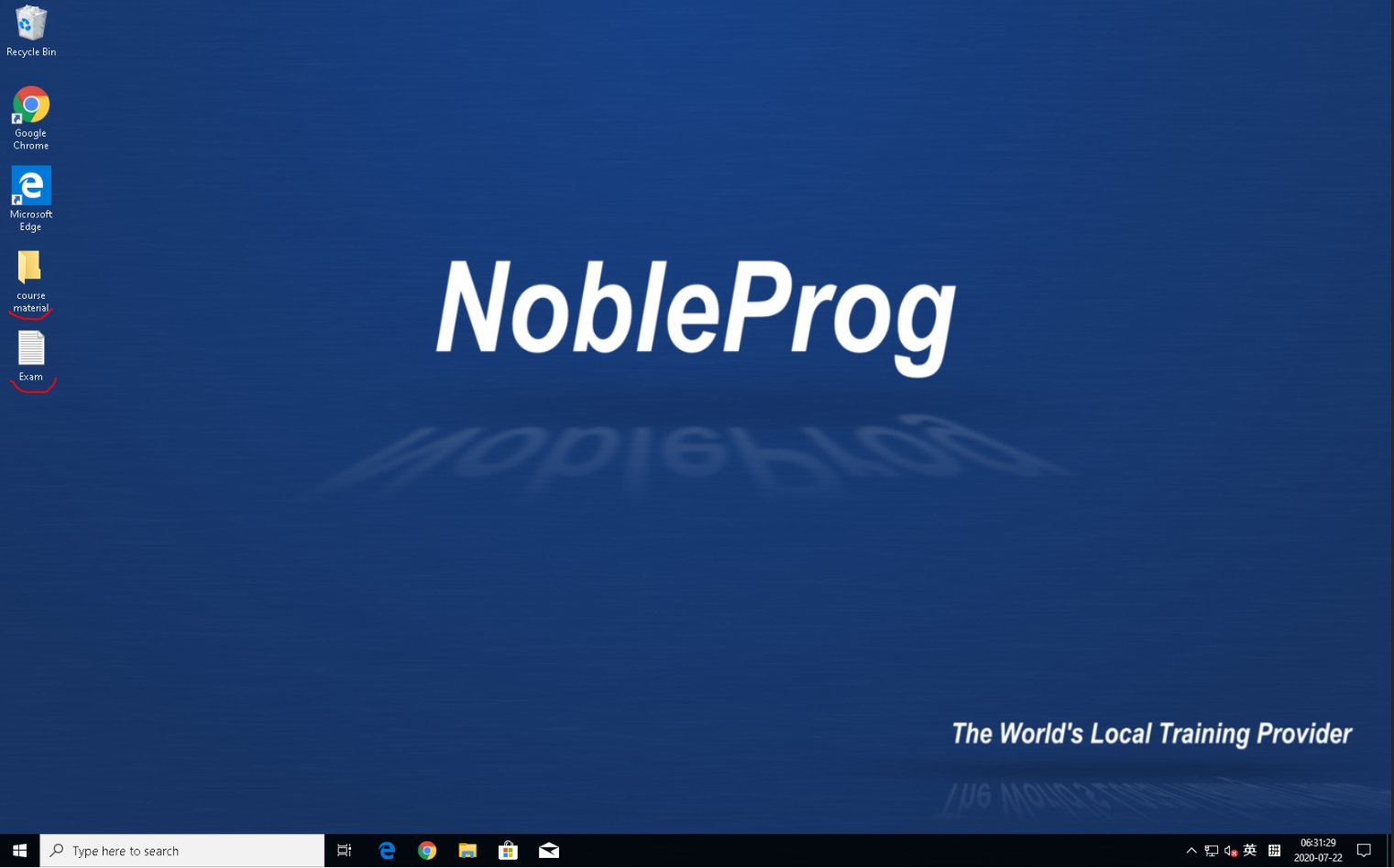
- We offer DaDesktop, a cloud-based virtual desktop that lets you prep your course content exactly as you would on your personal computer
- Once you’ve set up the course desktop, all participants will get an identical environment after you hit "Clone to participants"