
Building from an OS Template
To get started with creating from an OS template:
- Head to the Desktops menu in your course.
- Click "Create From OS Template"
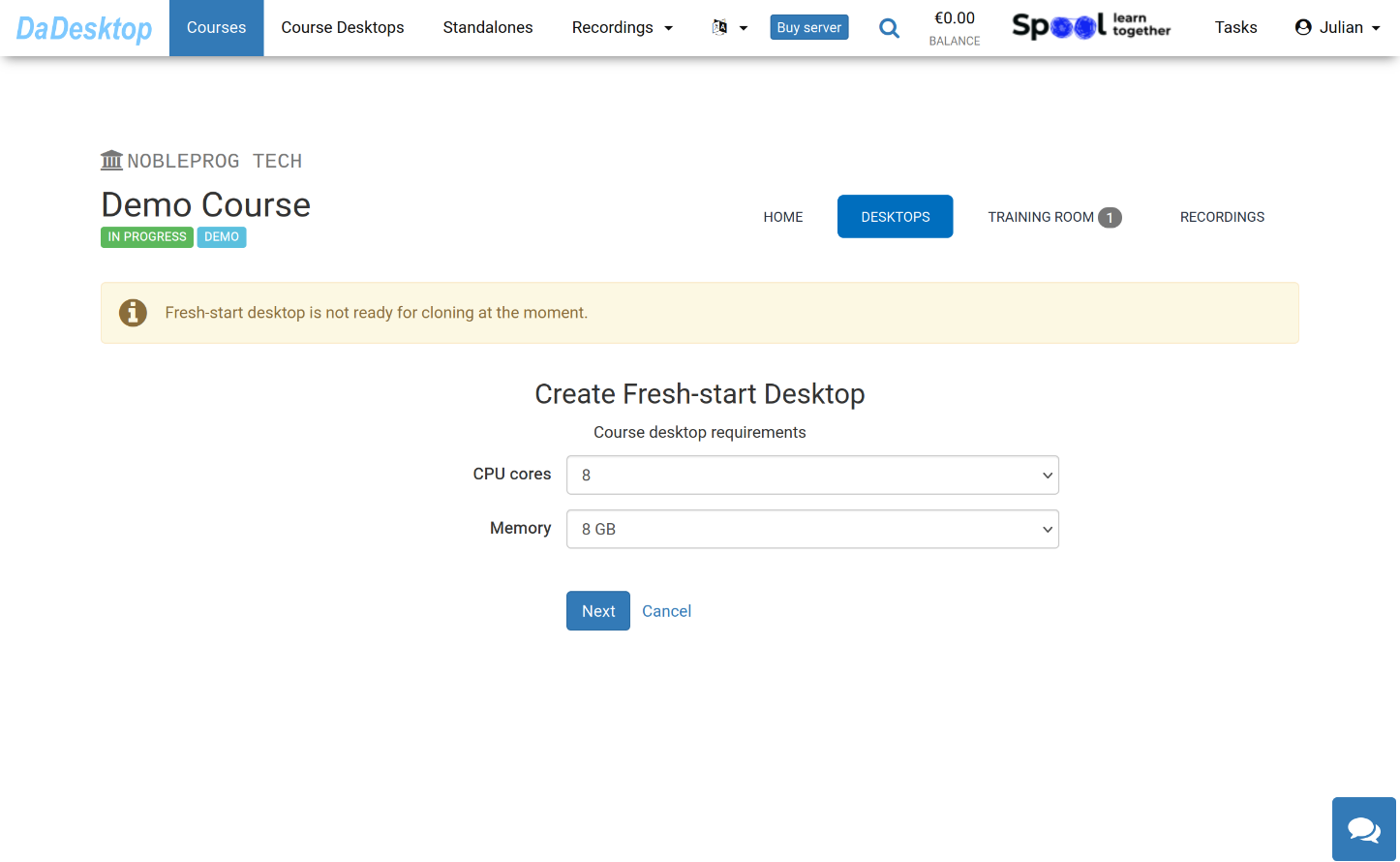
Here you can see the different configuration choices when building from an OS Template
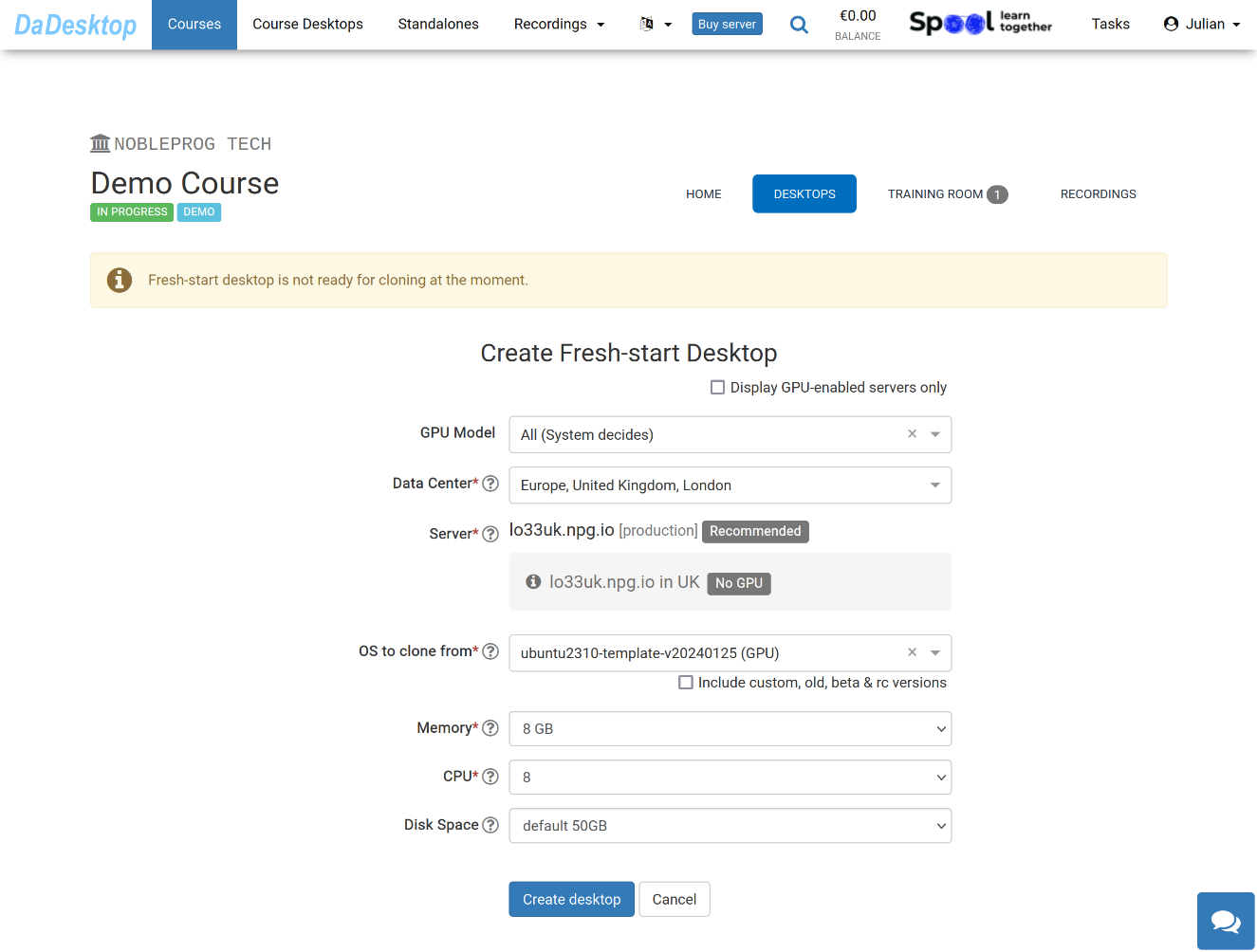
Below, each field's purpose is outlined:
-
GPU Model
Select your GPU model and type if required. Check 'Display GPU enabled servers' to see only servers equipped with GPUs. -
Datacentre / Server
Choose the datacentre region and server closest to your location in Germany. -
OS to clone from
Pick the operating system to use as the base. Templates include Windows and Linux distributions like Ubuntu, Debian, Almalinux, among others. -
Include custom, old, beta & rc Versions
DaDesktop updates templates regularly, but if you experience problems with the newest one, you can select this to try an older, custom, beta, or release candidate version. -
CPU
Set the number of CPU cores. The default of 8 cores is generally sufficient for standard Linux and Windows workloads. -
Memory
Define the memory limit in GB for your desktop. Note that server resources constrain the maximum; each server may impose different limits. To request a higher limit, contact us via Support Chat. -
Disk Space
Specify the disk space; the default is 50 GB.