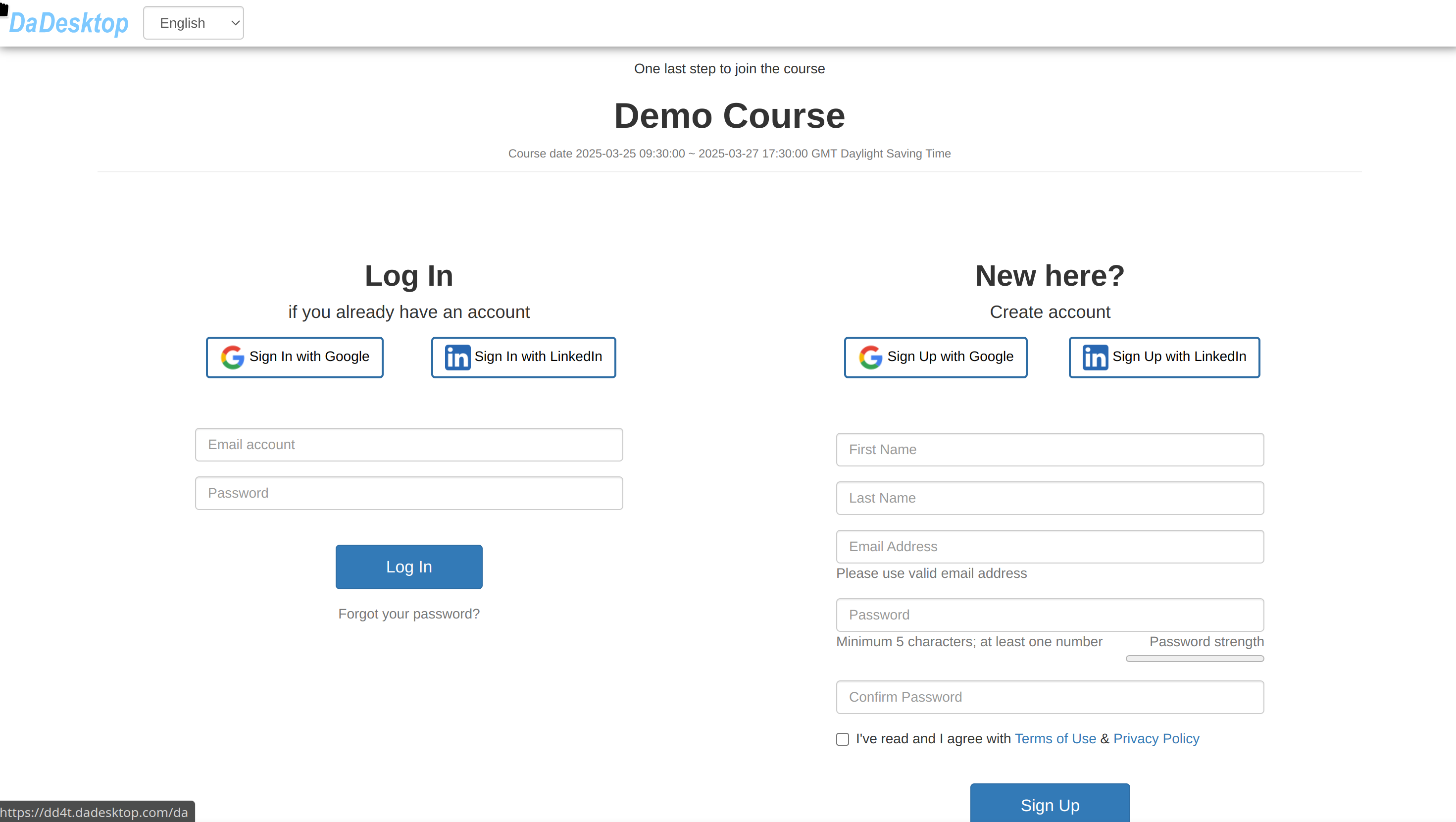
Participant Invitations
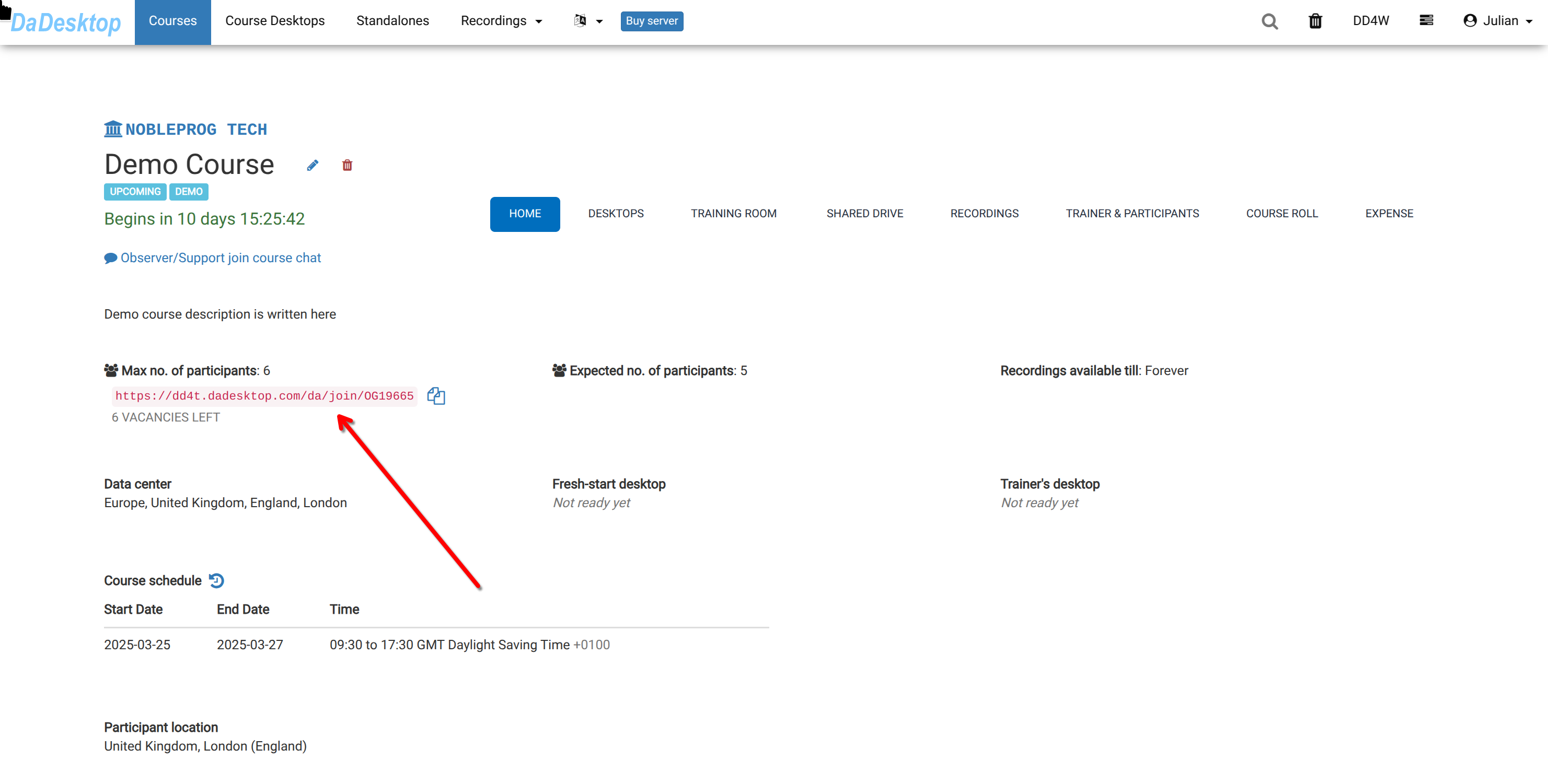
Once the course is created, the trainer can invite participants using the "pink invitation link".
- Participants can register for the course by clicking the link.
- The invitation link is unique to that course—one course, one link.
- Please make sure to use Chrome or Firefox for registration.
As a participant, simply open the link to sign up for the training course.