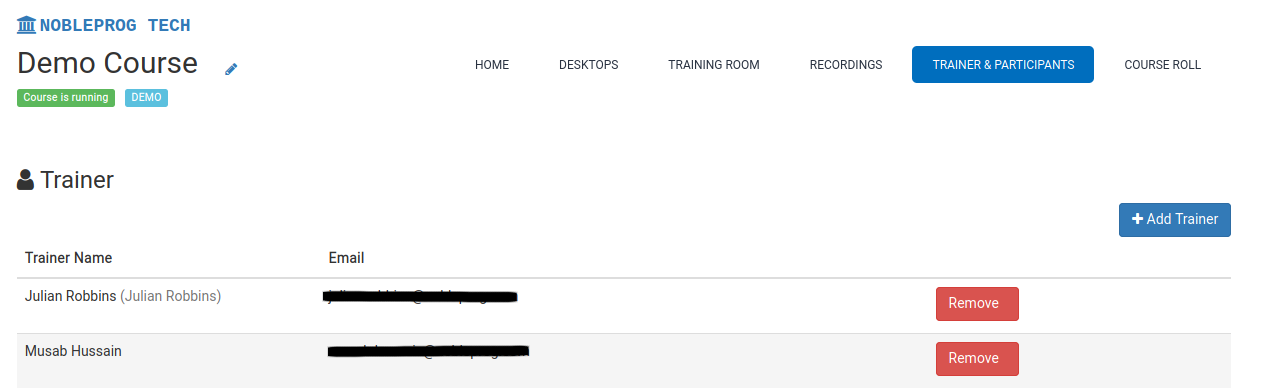
Adding Course Trainers
DaDesktop supports one or more trainers in your online courses.
You can bring trainers on board in a few different ways:
- Send an email invitation to the trainer
- Add someone who already has a user account in your organisation
- Make any user a trainer (only available to Super Administrators)
Here's how to assign a trainer:
- Open a course
- Go to the Trainer & Participants tab