
Training Room Overview
The Training Room provides an effortless method for joining a course.
With it, users can:
- Take control of their virtual desktops (Trainers can also manage participants' desktops)
- Display the trainer’s desktop in a grid or side-by-side layout
- Capture recordings of their desktop
- Detach the desktop into a separate browser window or onto another monitor, if desired.
- Use the chat function
-
Access training materials
Everything happens right within a browser window. To make things easy for new users in Germany, participants are automatically taken to the Training Room as soon as they join a course.
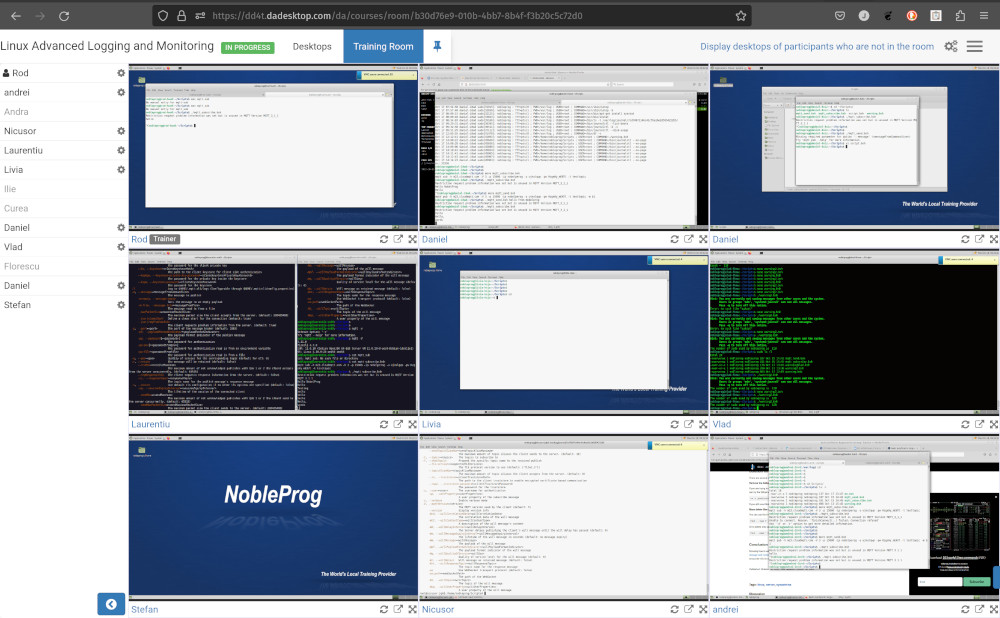
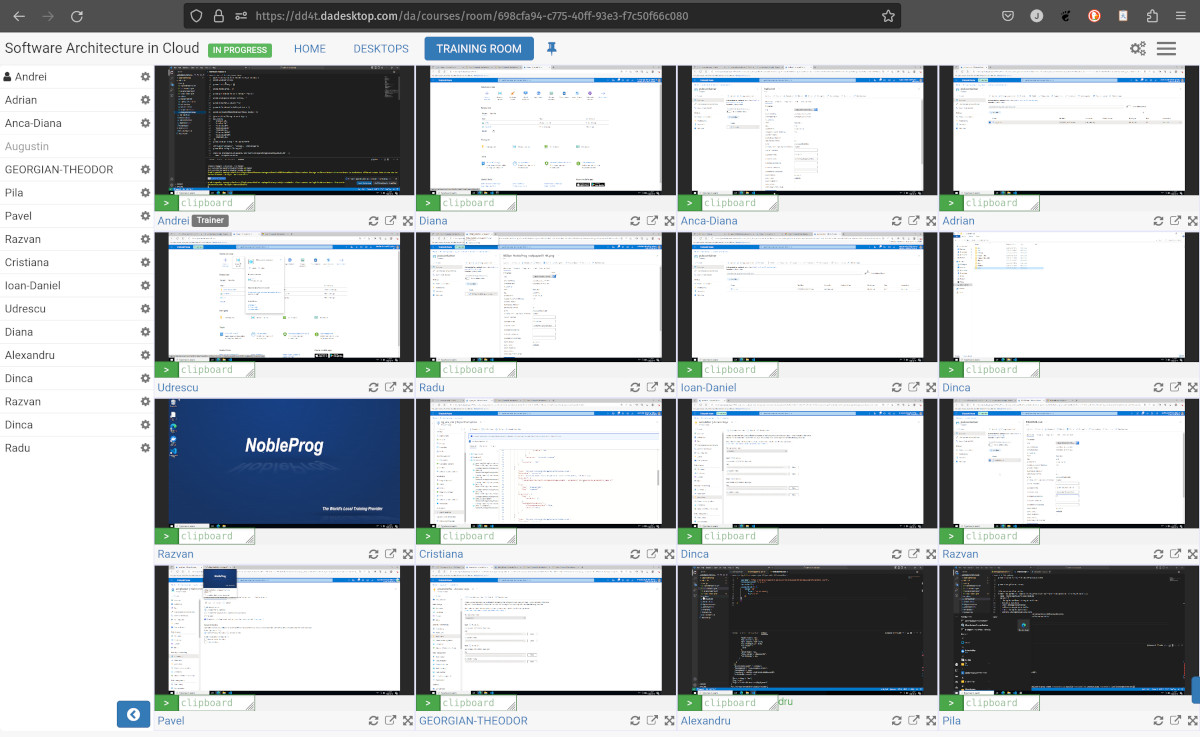
On top of that, trainers can see all participant machines at a glance and interact with any of them—perfect for assisting someone who’s struggling or falling behind. This simultaneous view of all student desktops is unmatched and significantly helps trainers recreate the feel of a traditional classroom.
Trainer's Training Room View
Training Room showing 16 participants (Trainer only)
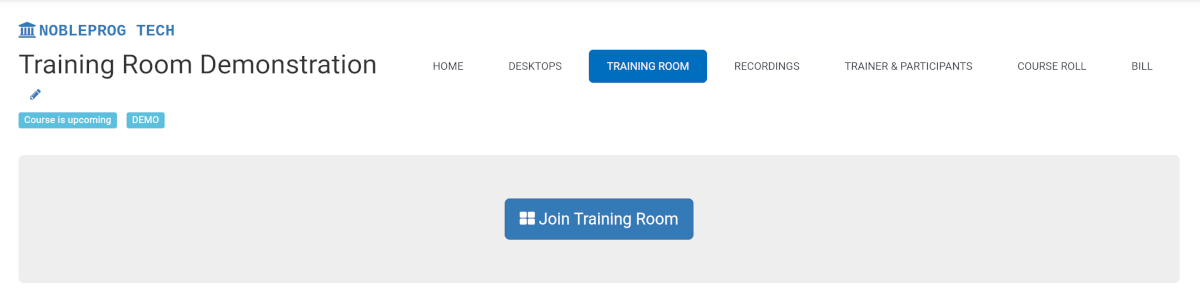
Joining a Training Room
Maximising the Window
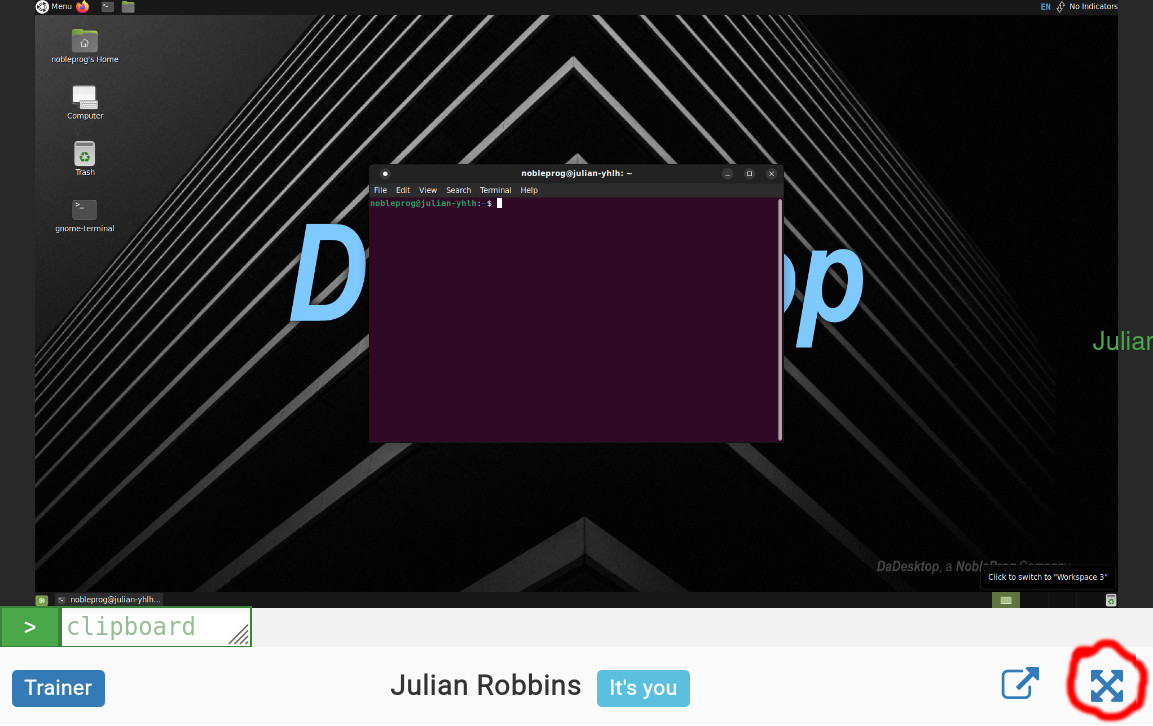
Exiting the Training Room View
While it might not be immediately obvious, leaving the Training Room view is simple—just click the `Desktop` tab once more to return to the Training page.
