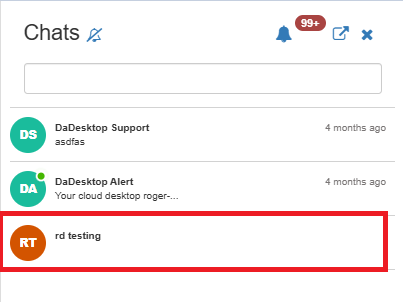
Course Chat
The Course Chat function enables communication among trainers, participants, and support staff during an active course. It's built into the training room itself.
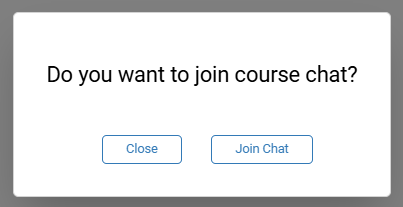
You can join the course chat by entering the training room, where you'll be invited to connect.
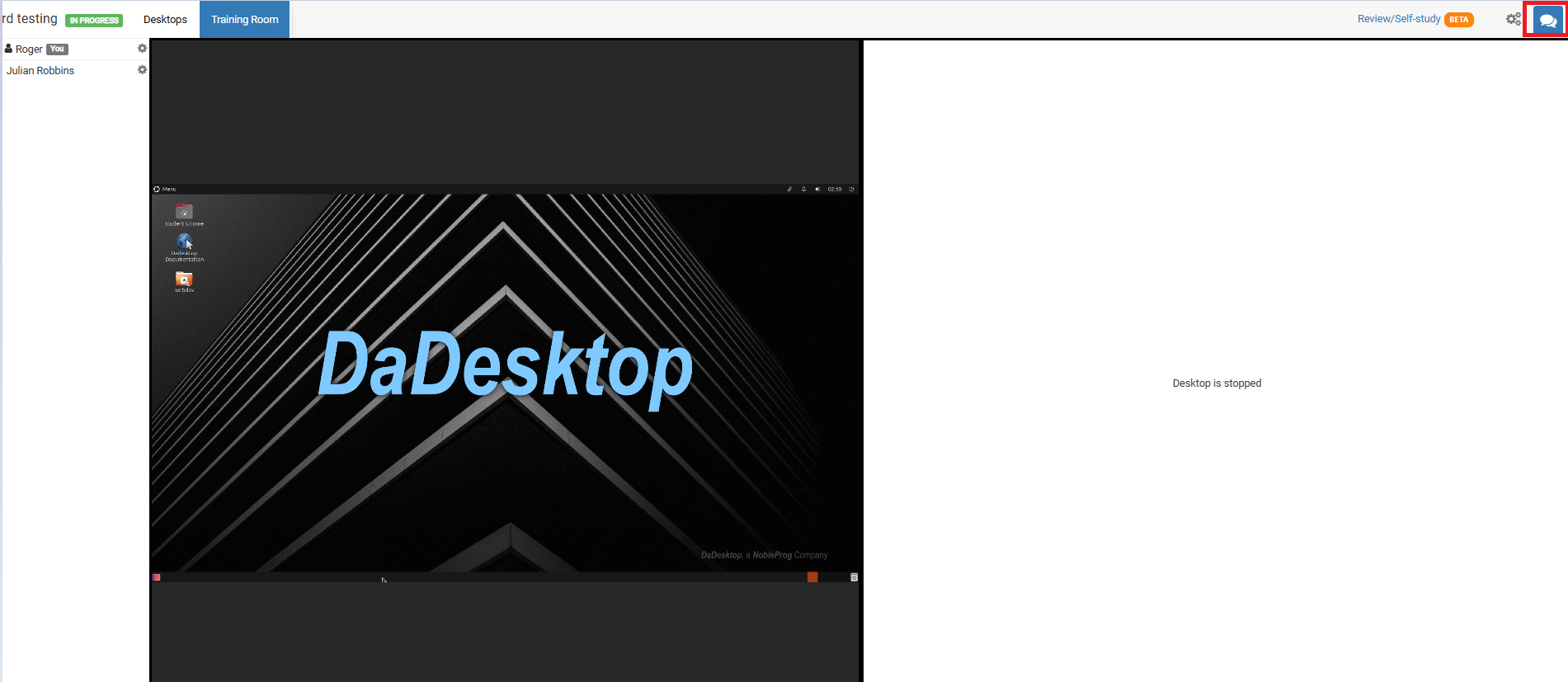
Whenever you want to return to it, simply select the chat icon in the top-right corner of the training room.
Selecting it opens the chat panel on the left, where your course appears in the list. You can turn on notifications at the top of the chat interface to receive an audible alert each time a new message is posted.