Desktop Snapshots
How Desktop Snapshots Are Used
Snapshots allow you to quickly 'backup' your virtual machine and bring it back with ease.
For example, before an upgrade that might break your system, you can stop the virtual machine and capture a snapshot as a safety net.
If the upgrade goes well, simply delete the snapshot; if not, roll back to the machine's earlier state.
Every DaDesktop variant—Fresh Start, Trainer, Participant, and Standalone—supports snapshots.
Just so you know, restoring a snapshot will power down the machine, and you'll need to manually restart it.
How to Create Snapshots
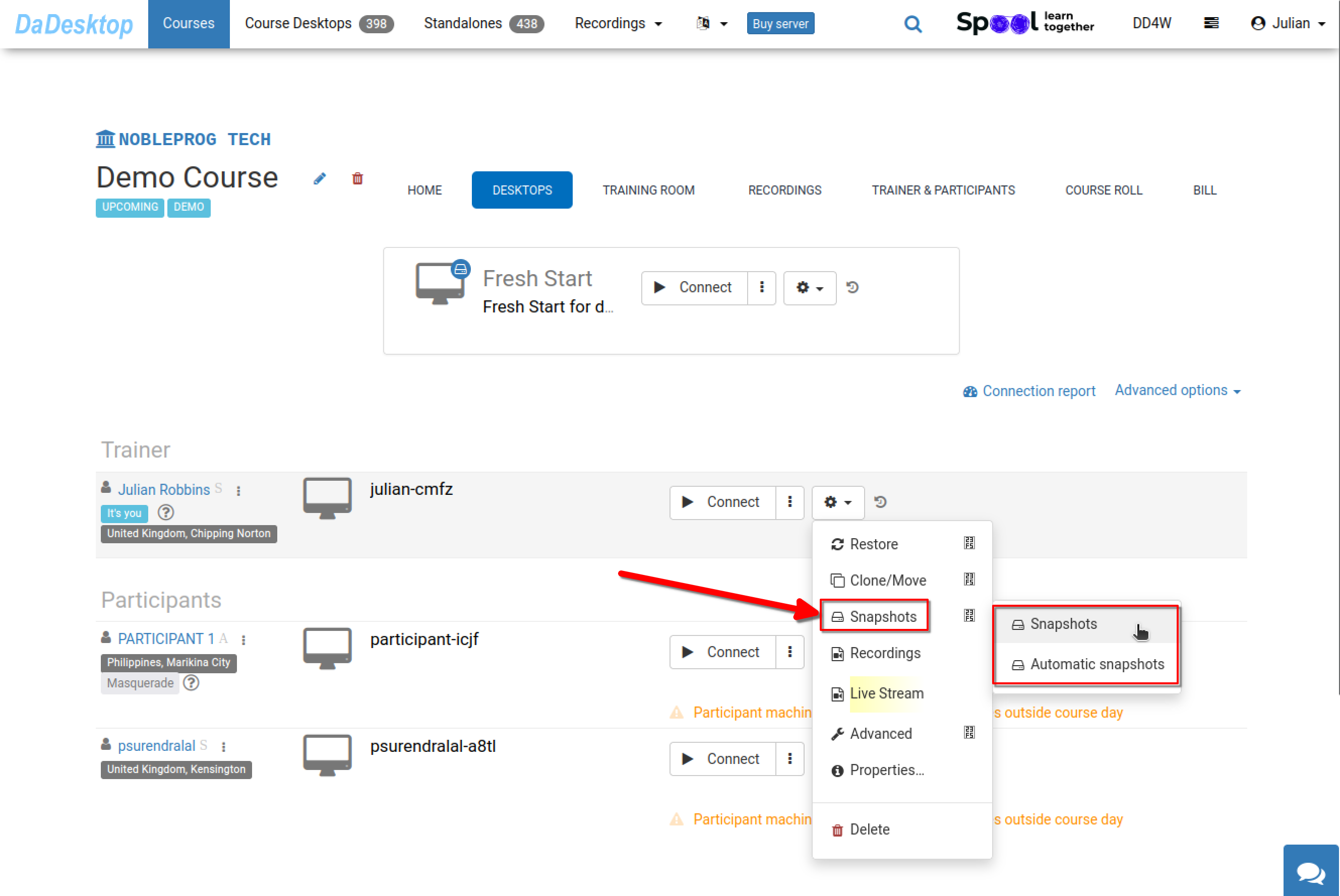
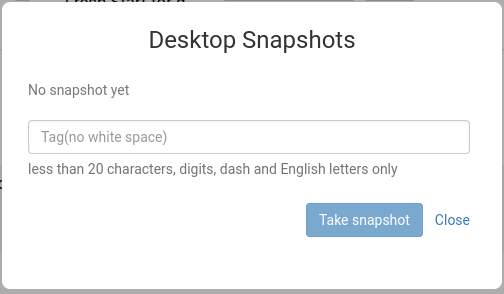
The image below shows how to capture a snapshot. Assign a clear, descriptive name so you can later recall exactly when it was taken.
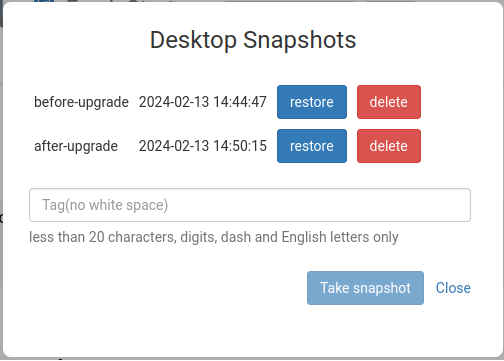
In the screenshot below, two snapshots have been saved at different points. You can restore or delete them as needed.
Automated Desktop Snapshots
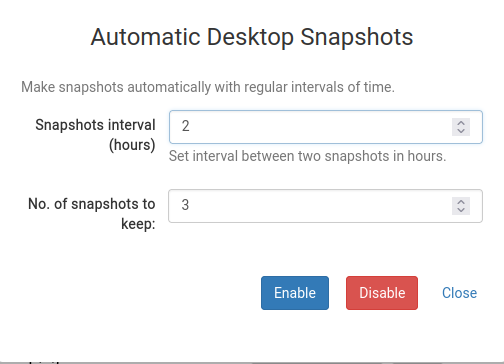
If you'd rather have snapshots taken automatically at regular intervals—so you never forget—then the Automatic Desktop Snapshots feature is perfect.
You can configure how many snapshots to keep and how often new ones are created.