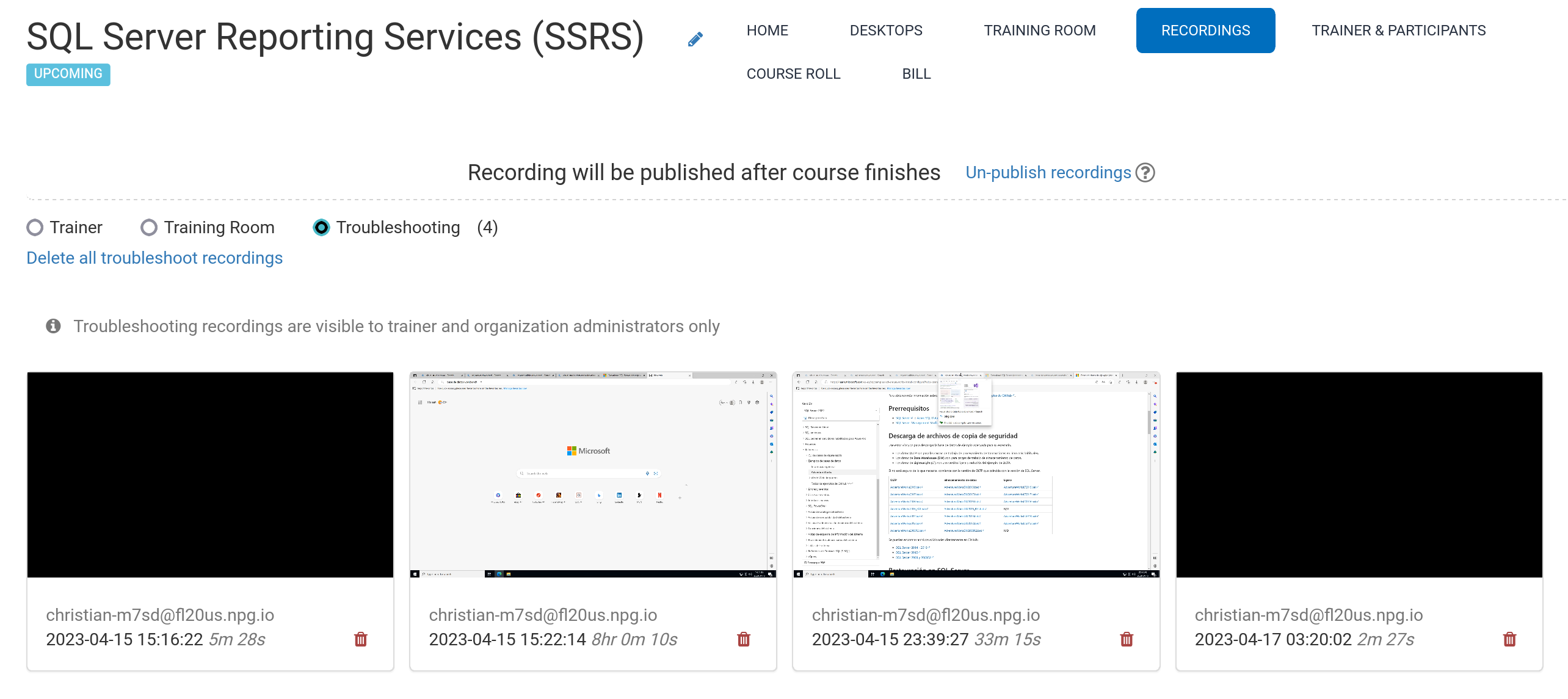
Automatic Course Recording from the Trainer's Desktop
During a course, recordings of the Trainer's Desktop and the Training Room (if it's being used) are automatically captured.
To stop recording, simply press the red-button again.
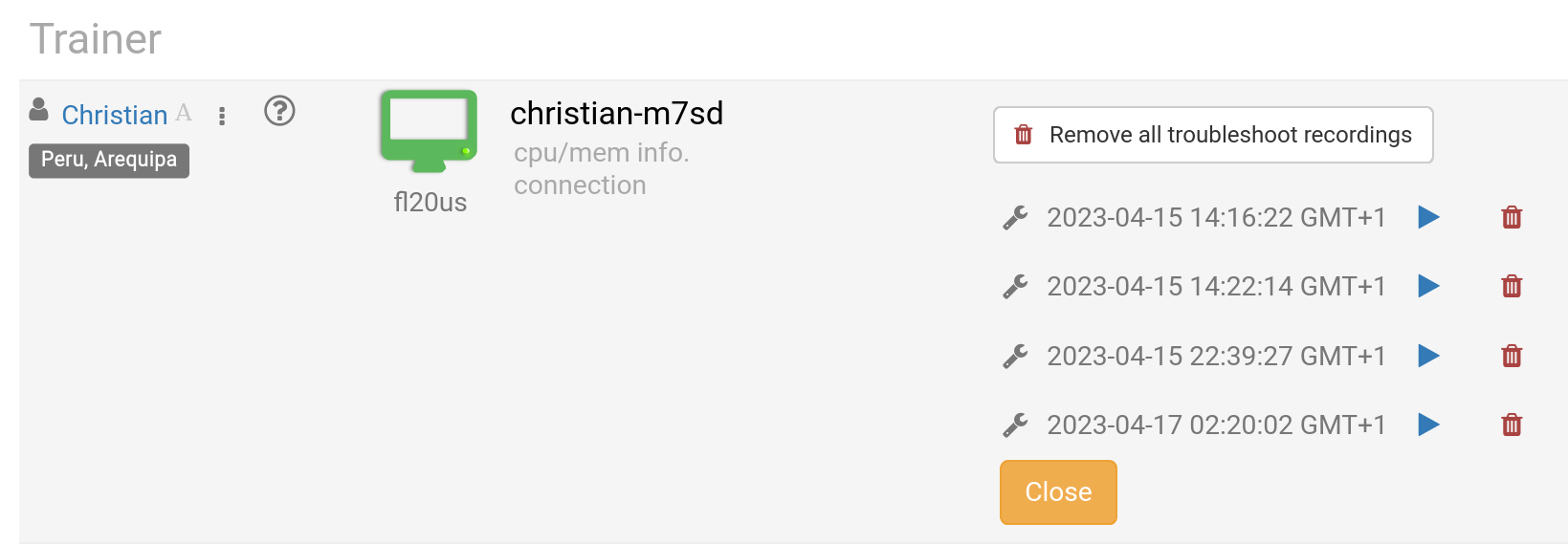
The trainer can remove recordings whenever needed. Additionally, troubleshooting recordings are automatically generated while setting up a course. These are only used to resolve issues with course configurations, if necessary.
You can view your recordings under the 'Recording' section, which is divided into three categories:
- Trainer
- Training Room
- Troubleshooting
Only Trainer and Training Room recordings can be shared externally in Germany.