
Training Room View
The Training Room offers a seamless experience for course entry.
It enables participants to:-
- Manage their virtual desktops (Trainers may also take control of participants' desktops)
- Display the trainer's desktop using a grid or side-by-side layout
- Record their desktop activity
- Move the desktop to a separate browser window or an alternative monitor as desired
- Engage in chat
-
Access training materials
Everything happens within the browser. To streamline onboarding, participants are automatically redirected to the Training Room after joining a course.
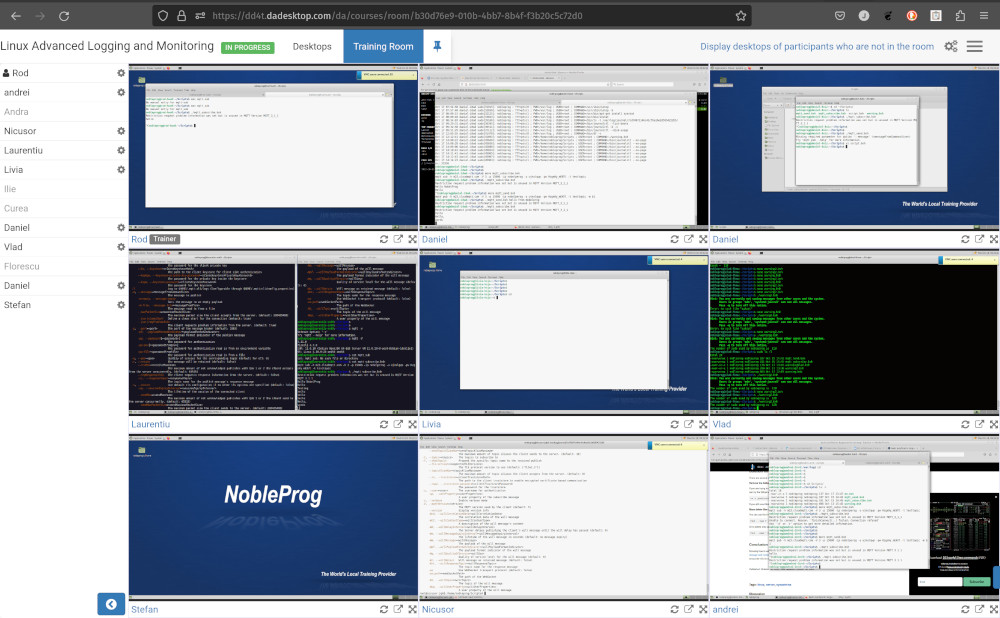
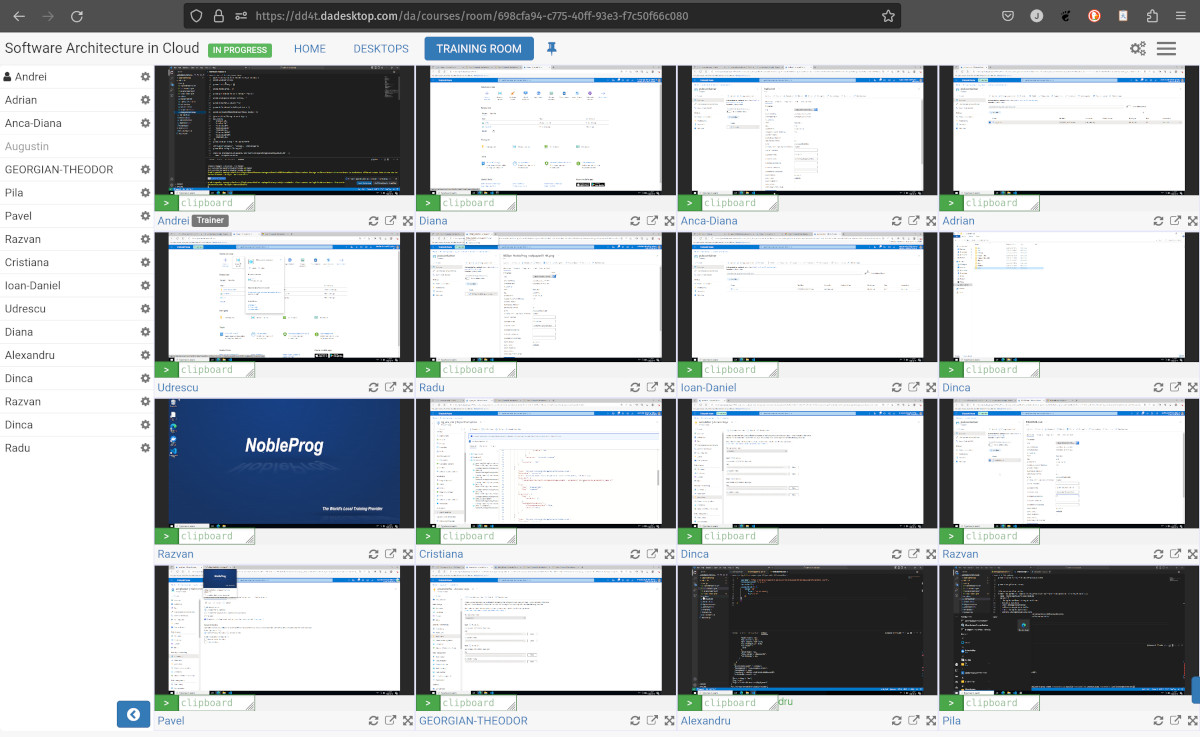
Additionally, trainers can monitor all participant machines at a glance and interact with any desktop to assist learners who need help or are lagging. This comprehensive overview, unmatched in its field, empowers trainers to closely mimic the dynamics of a physical classroom.
Instructor's Training Room View
Training Room displaying 16 participants (Trainer-exclusive view)
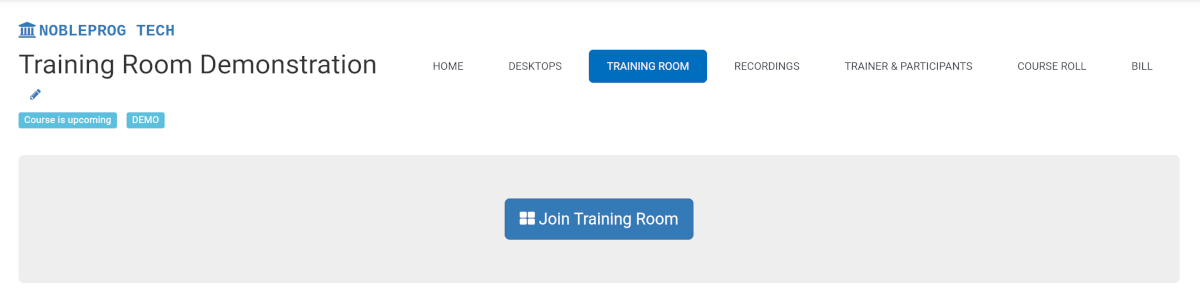
How to Join a Training Room
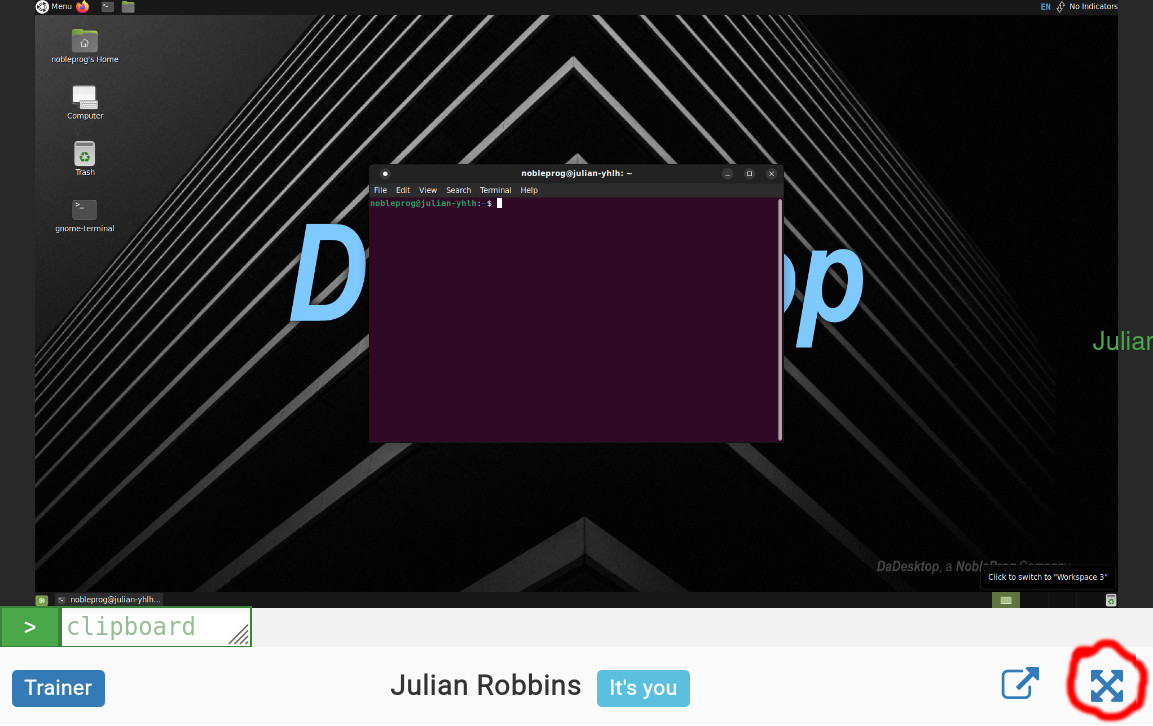
How to Maximise the Window
Exiting the Training Room View
While it may not be immediately obvious, you can leave the Training Room view by simply selecting the `Desktop` tab once more; this will return you to the main Training page.
