
Overcommitting Coefficients
This functionality is exclusively accessible through DaDesktop Private Server (DDPS) and DaDesktop On-Premise (DDOP).
As courses grow in complexity and demand greater processing power—particularly with nested virtualization or when supporting a large number of trainee desktops—you might occasionally encounter an error like this :-

The warning is specifically triggered by CPU, memory, or disk space constraints. The first step would be to migrate your machine(s) to a server or data center with lighter load, or to scale back resource requirements if feasible.
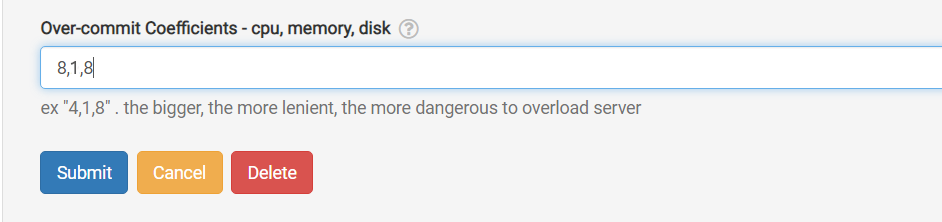
If those options aren't available, and the running units slightly exceed the normally permitted maximum, you can temporarily apply over-committing on one or more of the CPU, memory, or disk coefficients. This can be done via the GUI as illustrated below.
Navigate to /da/admin/servers/all, hit the Edit button for your server, and scroll to this section.
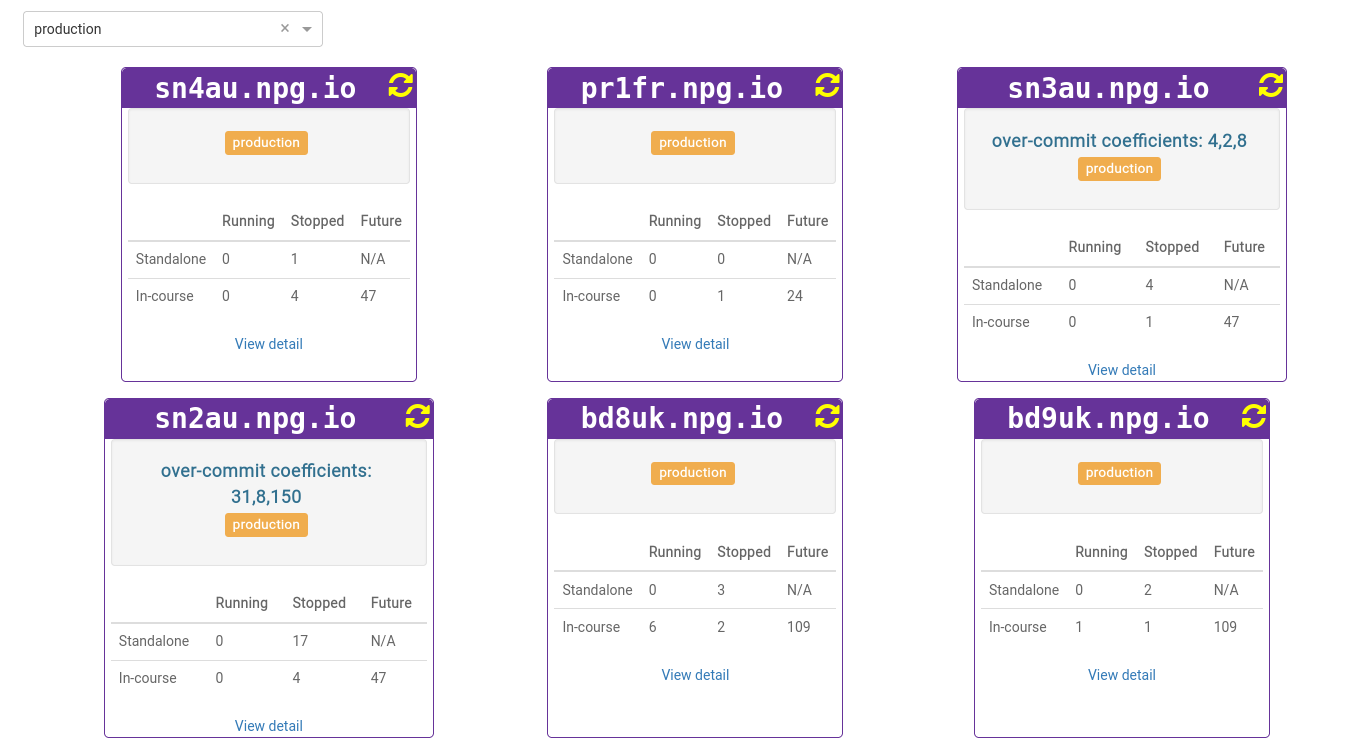
The server list also displays servers that currently use over-committed coefficients. This is handy for reverting settings after a course ends, allowing the coefficients to be restored to their defaults.
All modifications should be treated as a temporary fix and never a permanent remedy for resource shortages. Adjustments made to enable a course should be undone once the course concludes.
DaDesktop On-premise Requirements
The over-committing capability relies on the tpapi which is part of DaDesktop codebase. Tpapi is currently only compatible with Python 3.12, so the corresponding operating system requires a minimum of Ubuntu 23.10.