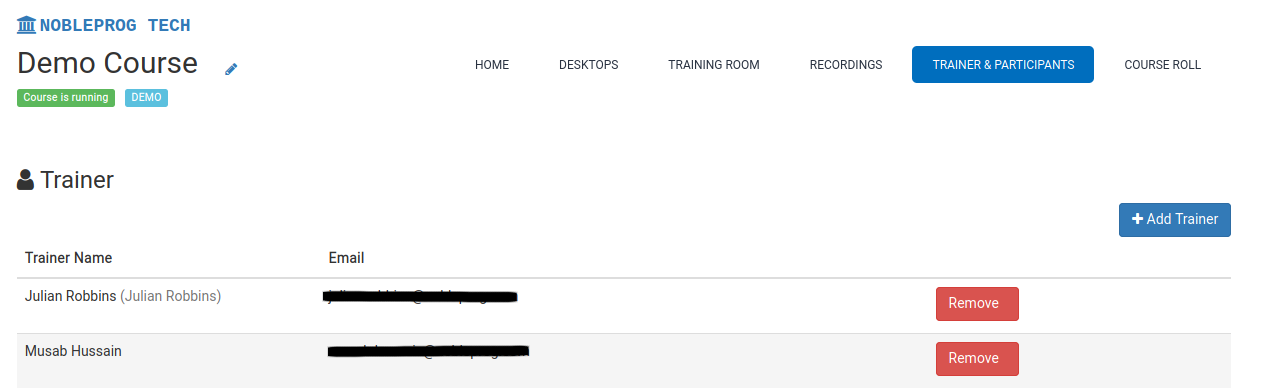
Adding Trainers
DaDesktop supports having multiple Trainers for each online course.
You can add trainers to a course through several methods:
- Send email invites to trainers
- Assign existing members from your organization
- Grant any user trainer status (limited to Super Administrators)
To assign a trainer, follow these steps:
- Go into a course
- Select the Trainer & Participants tab