Managing Desktop Snapshots
Utilizing Desktop Snapshots
Snapshots enable you to easily back up and restore your virtual machine.
For instance, before performing an upgrade that might disrupt your system, you can halt the VM and capture a snapshot in advance.
Should the upgrade go smoothly, simply delete the snapshot; if issues arise, you can roll back to the earlier machine state.
All DaDesktop configurations—Fresh Start, Trainer, Participant, and Standalone—support snapshots.
Be aware that restoring a snapshot will shut down the machine, after which you can restart it.
How to Create Snapshots
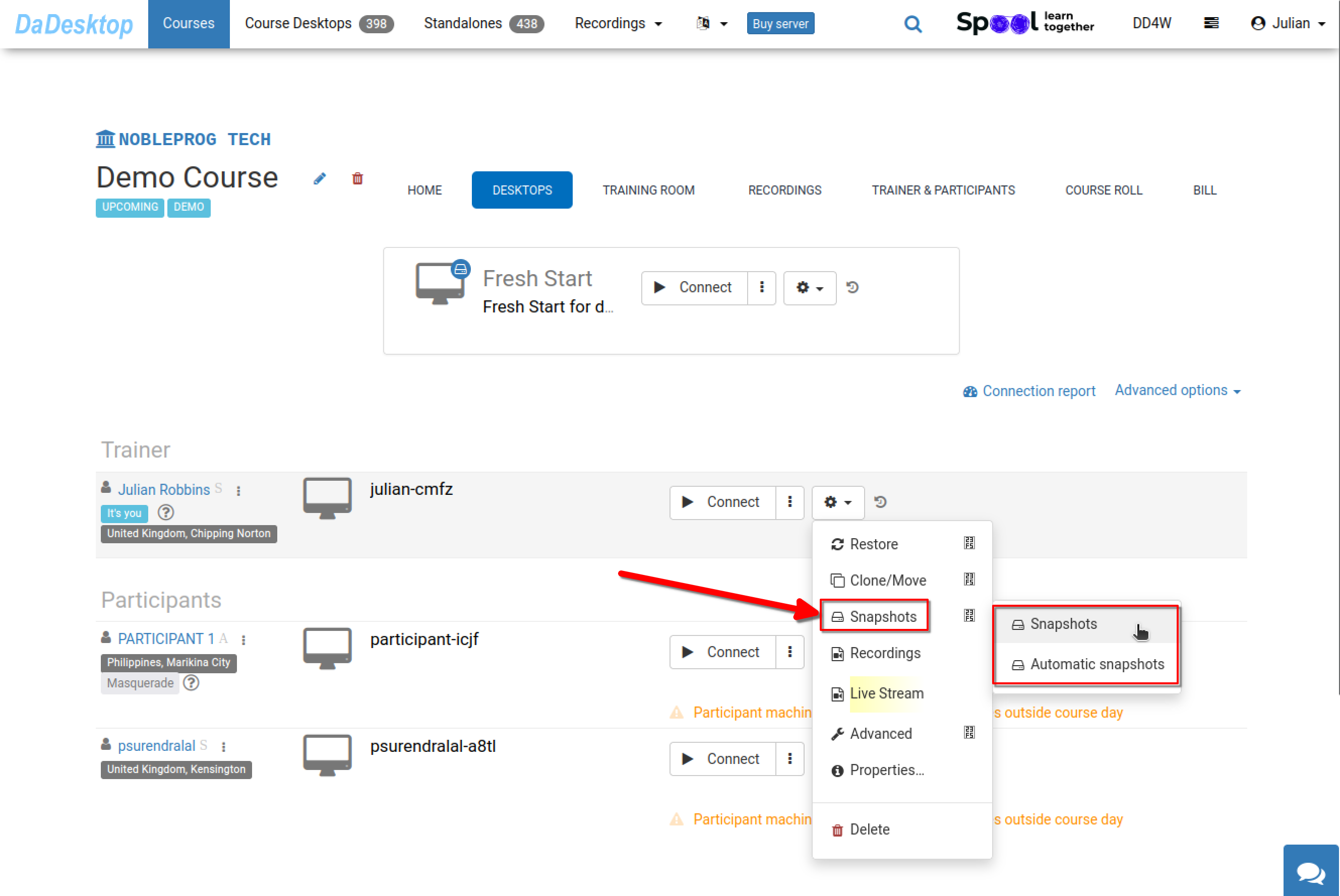
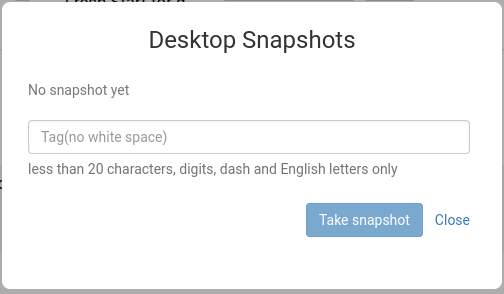
The following demonstrates snapshot creation. Assign a descriptive name to identify the capture point.
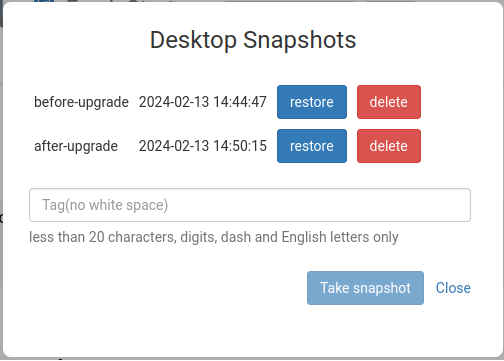
Below, two snapshots from different stages are shown. You can restore or remove them whenever needed.
Automated Desktop Snapshots
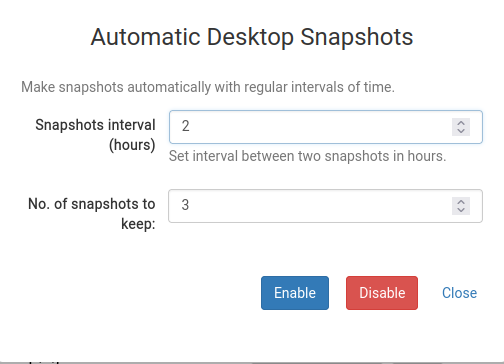
To avoid manual snapshot oversight, you can enable automatic periodic snapshots—an ideal safeguard.
Here you can set both the snapshot retention count and the interval between captures.