Course VPN
The Course VPN (CVPN) functionality enables direct desktop-to-desktop communication.
It replaces the 'Turn off network isolation' option. Previously, disabling network isolation allowed desktops on a single server to communicate, but cross-server and cross-data center connectivity was not functional.
The Course VPN enables any desktop added to a particular course to communicate, independent of the server or data center.
This functionality is limited to Ubuntu and Windows 10 operating systems. For all other OS environments, you may still use the 'Turn off network isolation' legacy setting.
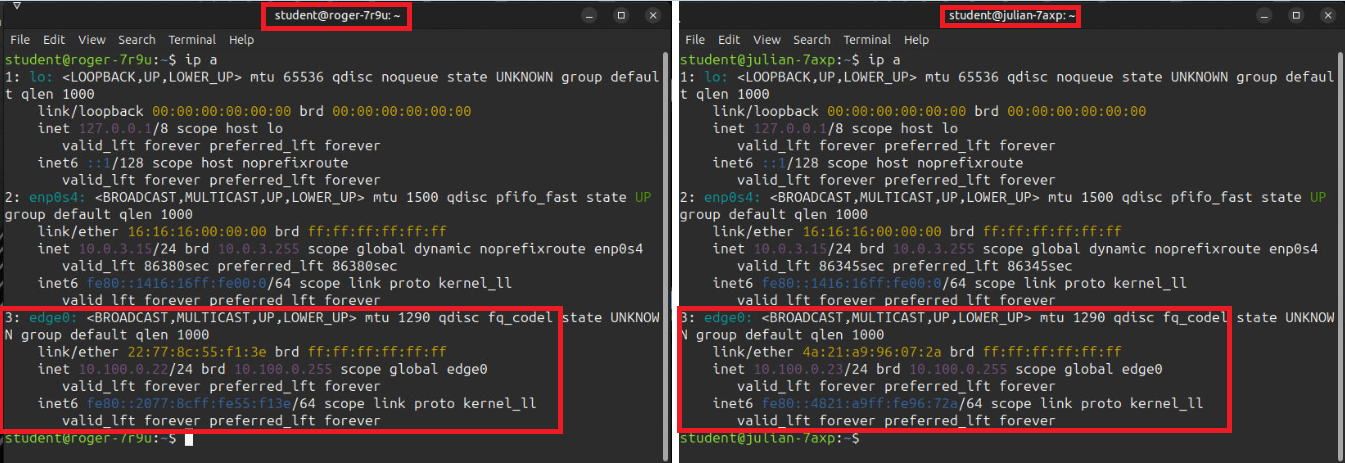
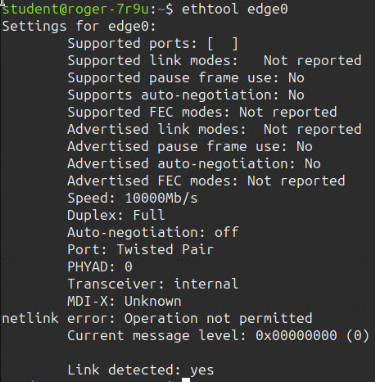
The following screenshots depict the CVPN interface as seen in the terminal, alongside certain additional attributes of the connected interface.
Terminal IPs:
Here are screenshots of the VPN network interface generated during the provisioning of training workstations. The two student workstation terminals below showcase the `edge0` network interface, representing the course VPN.
Additional Properties:

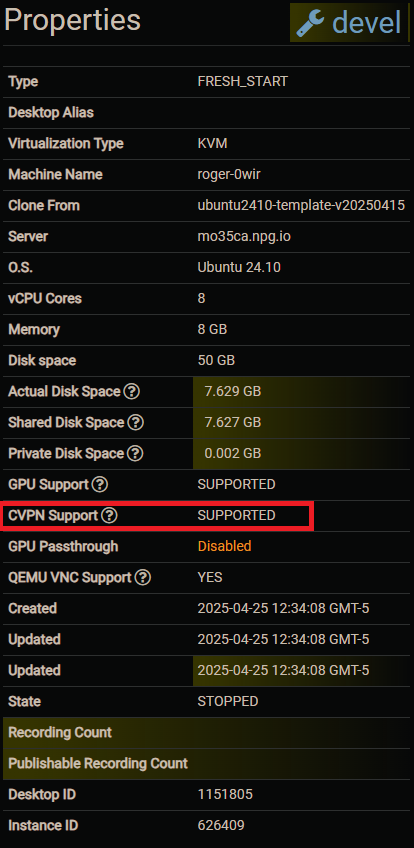
Supported:
Applicable when building a course with Ubuntu or Windows 10 operating systems.
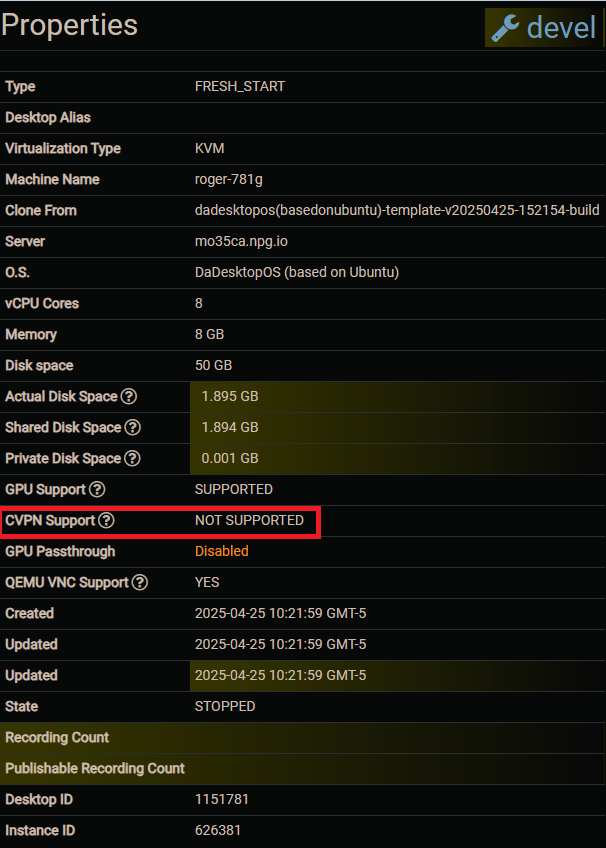
Not supported:
Not supported when the course uses other operating system distributions.