
Examples
DaDesktop is employed in two, very distinct scenarios:
- Training and Development Cloud Desktops
- Work Desktops
Training and Development Cloud Desktops
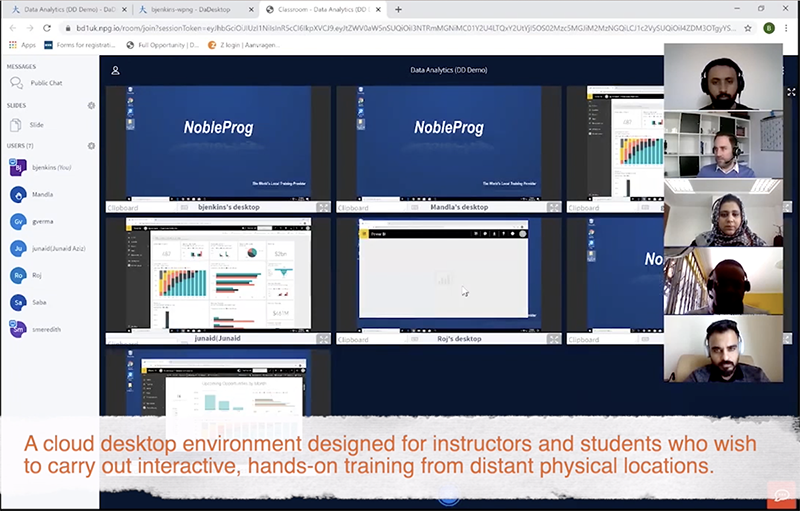
Training and Development desktops are designed for speed and ease of use. Anyone with the desktop link can be granted access instantly. They typically power interactive, instructor-led cloud environments or virtual classrooms for high-quality corporate training. Trainers can monitor their students' cloud desktops and track participation during live online sessions.
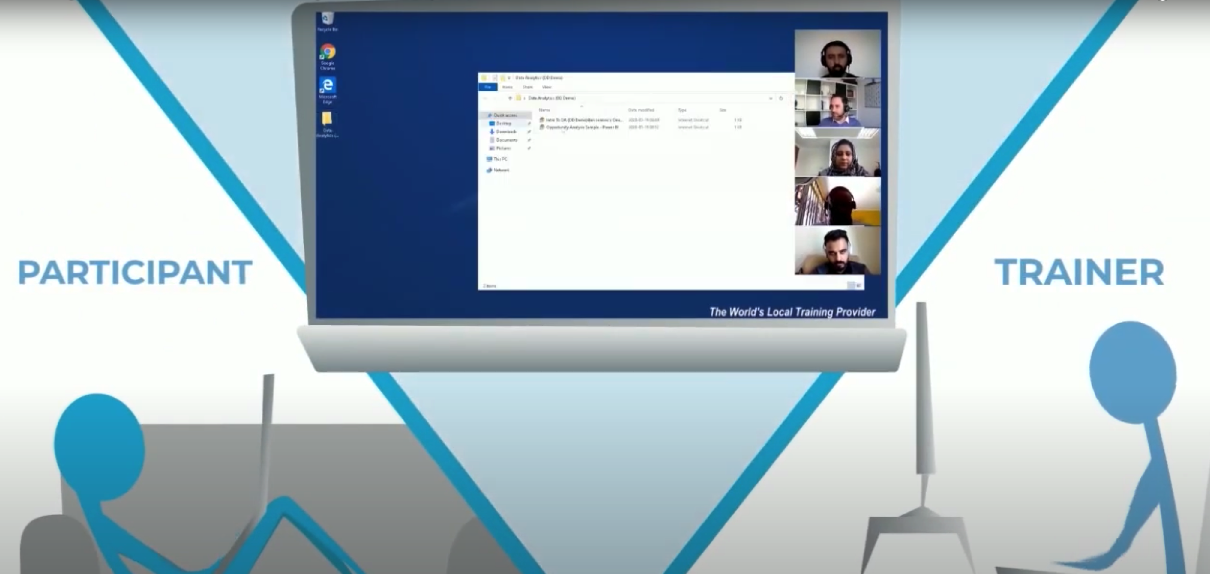
For effective coaching, instructors can remotely access a student's desktop.
Training sessions can be captured with screen recording and audio for later review.
DaDesktop is more than just a learning management system—it’s a dynamic tool for trainers in Germany.
Work Desktops
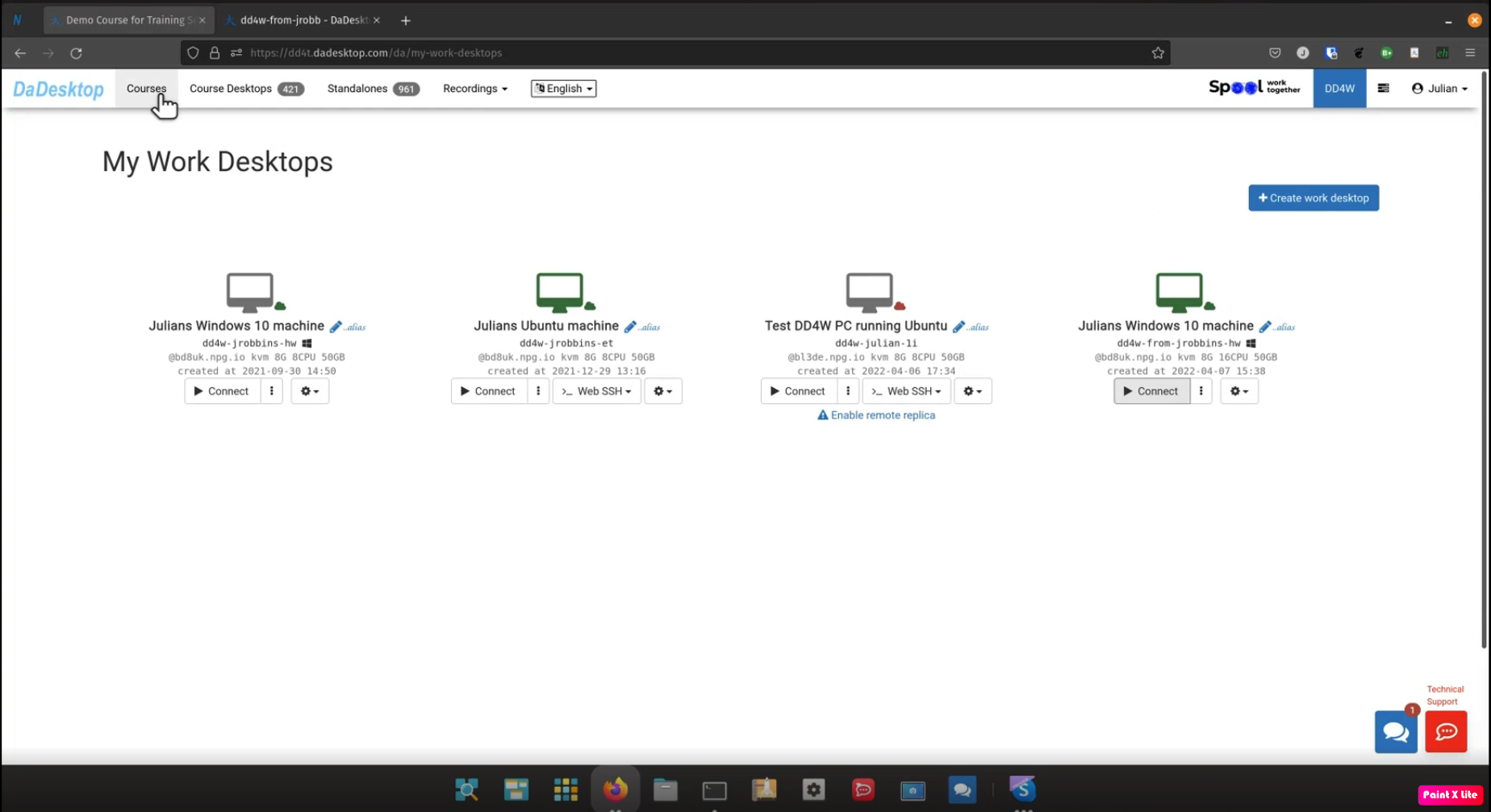
Work Desktops (DaDesktop for Work, or dd4w for short), can serve as employees' cloud desktops. The employer fully controls the data and software employees use, with all data and communication encrypted.
Securing Data
Employers can also limit access to data on the cloud desktop, preventing employees from transferring it elsewhere. Clipboard functions and access to specific sites can be locked down, ensuring all data is processed securely within the virtual desktop.
Recording Actions
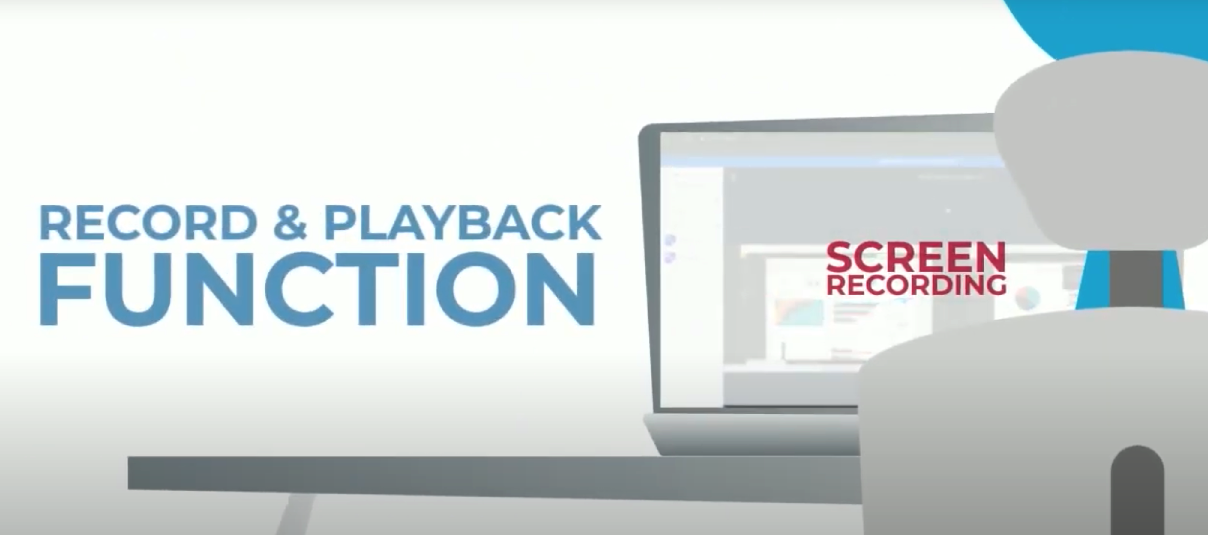
User actions are recorded extremely compactly, making it possible to store millions of hours of each employee’s virtual desktop activity. These recordings can then be analyzed for signs of fraudulent behavior.
Secure Network
Access to internal corporate applications can be limited solely to DaDesktops, tightly controlling who can reach confidential information and eliminating the risk of data interception on personal computers.
DaDesktop is an absolute virtual office platform, setting the standard for businesses in Germany.