
Key Advantages
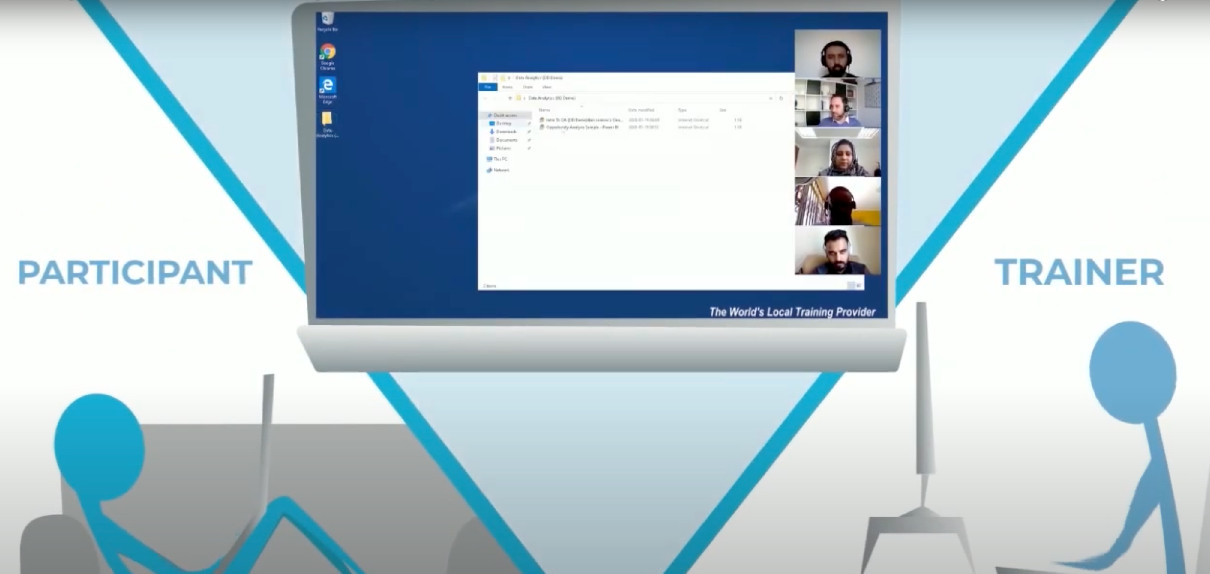
A cloud desktop delivers significant advantages to organisations wishing to provide live, trainer-led instruction. These benefits stand out most when conducting IT training courses for attendees spread across multiple physical locations.
An increasing number of organisations have also adopted DaDesktop for local, live, instructor-led training, due to how easily complex software can be pre-installed and set up, then quickly duplicated across dozens or even hundreds of other cloud desktops.
Here are some of the reasons instructors, learners, and organisations select DaDesktop for their training requirements, and the benefits they gain.
Organisations (businesses, learning institutions, government)
-
Economical
- Using DaDesktop is substantially less expensive than cloud machines from AWS, Azure, and Google Cloud.
- As DaDesktop focuses on short-term cloud desktop use rather than long-term cloud machine hosting, a much simpler and lower-cost pricing structure is possible.
-
Scalable
- Companies utilise DaDesktop to run IT training courses for large groups, cloning a pre-configured cloud desktop for well over 50 students simultaneously with no issues.
- DaDesktop servers can store thousands of virtual machine images at any moment, enabling participant numbers to far exceed a standard classroom setting.
-
Fast
- With DaDesktop, cloud desktops are launched swiftly at the start of a training session and shut down promptly when it ends.
- DaDesktop cloud desktops can be cloned over 100 times faster than an AWS public-cloud machine or a classroom workstation.
-
Convenient
- A straightforward interface permits real-time setup and modification of the learning environment, even once the class has begun.
-
Extensible
- DaDesktop offers an easy way to request new features.
- DaDesktop supports a public API and extensions that allow for custom integrations with third-party platforms such as LDAP, OpenID-Connect and LMS.
-
Secure
- No user data persists on DaDesktop beyond the duration of a training session.
- Each cloud desktop is intentionally a temporary, self-contained computing environment.
-
Accessible
- No need to seek IT department approval for software to bypass the corporate firewall.
- The full Windows or Linux OS desktop environment is available inside the browser without installing any plugins.
-
Public, Private and On-premise
- DaDesktop can be reached via a public or private server, giving users varying degrees of exclusivity.
-
DaDesktop can also be deployed on-premise within the customer's own datacentre.
Try DaDesktop today!
Instructors
-
Convenient
- An instructor can launch as many cloud desktops as required, assigning one per participant for the entire training session.
- An instructor can pre-install and configure a single cloud desktop with the necessary software and OS environment settings, then clone that desktop to as many learners as needed. No valuable class time is lost on setup fiddling.
- The instructor can conduct training sessions using only a browser on their laptop, from the comfort of their home or office.
-
Fast
- An instructor can spin up multiple cloud desktops for multiple participants all at once, in seconds.
-
Interactive
- Instructors can not only view participants' desktops, but can also take control of them at any time, much like in a physical classroom.
-
Recordable
- The trainer can record the entire training session and share it with participants afterwards.
-
The recorded training can be reviewed by the instructor as self-feedback for improving future course deliveries.
Try DaDesktop today!
Participants
-
Convenient
- Participants can access DaDesktop from their laptop or PC browser using just a URL provided by the instructor.
- Participants do not need to install any software. They simply log into DaDesktop and begin using the Windows or Linux desktop environment right from their browser.
- Upon joining a training session, participants instantly have all the tools, materials, and exercises the instructor prepared beforehand.
- When participants switch their browser to "full-screen" mode, the cloud Windows or Linux environment fills the entire screen, making it feel like a full native OS rather than a nested browser experience.
-
Participants can attend training sessions from the comfort of their home or office.